
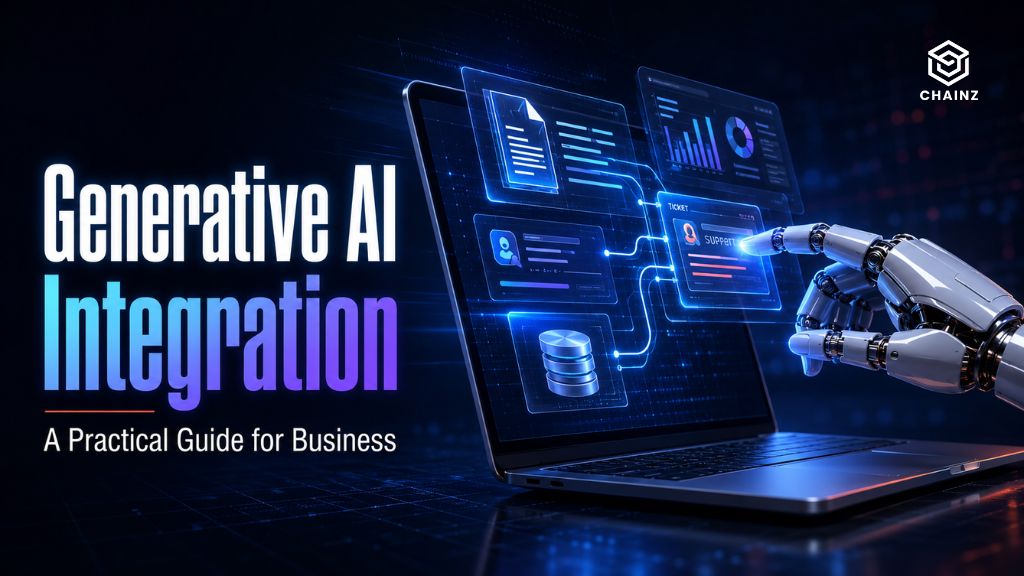
Generative AI integration means building models like GPT-4o or Claude directly into your products, tools, and workflows – so the AI works on your actual business, in your tone, following your rules. Done well, it removes real work and creates genuine advantage. Done badly, it’s an expensive gimmick bolted on because everyone else was doing it. The gap between those two outcomes is almost never the technology. It’s knowing where to apply it.
This guide is the practical version: where generative AI integration actually creates value, how the process works, what it costs to get wrong, and how to tell a real opportunity from hype.
What Generative AI Integration Really Means
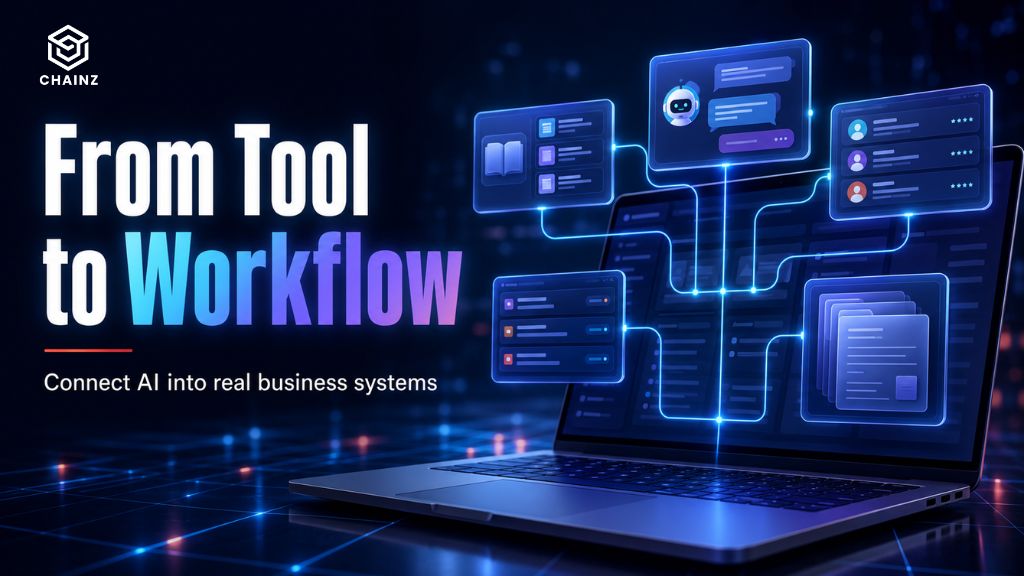
There’s a difference between using a generative AI tool and integrating one. Using ChatGPT in a browser is helpful for individuals. Integration is when the AI is wired into your business — reading your data, connecting to your systems, and producing output inside your actual workflows without someone copy-pasting between a chatbot and their real work.
Integration is what turns AI from a personal productivity toy into business infrastructure. It’s the difference between an employee occasionally asking an AI for help, and your support system automatically drafting accurate replies from your knowledge base, or your operations tool summarising and routing every incoming request on its own.
Where Generative AI Integration Actually Creates Value
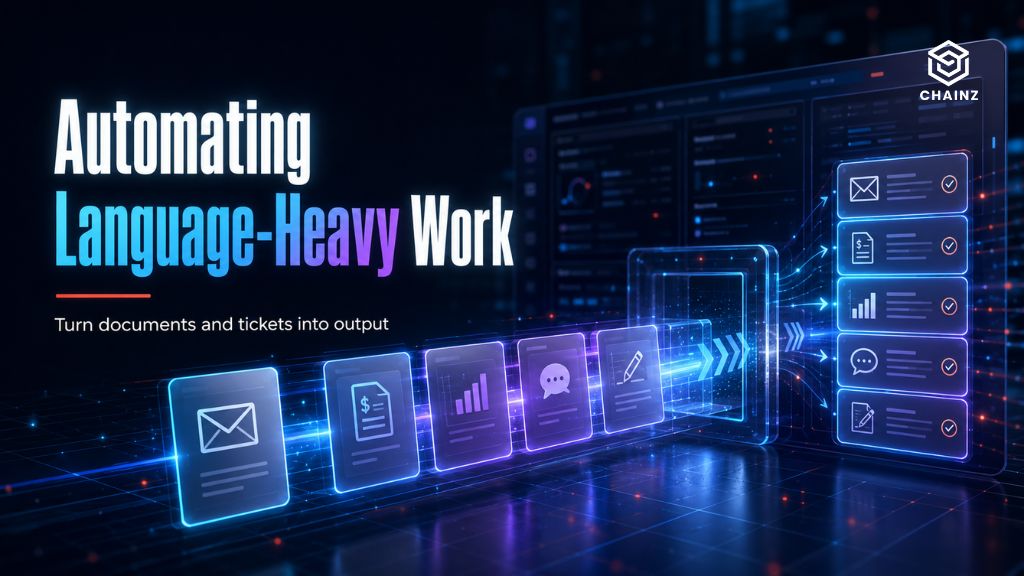
The businesses getting real returns aren’t the ones that “added AI.” They’re the ones that pointed it at a specific, repetitive, language-heavy task. The highest-value areas tend to be:
- Customer support – drafting accurate responses from your documentation, handling common queries, summarising long threads.
- Document-heavy work – extracting information from contracts, invoices, or forms; summarising reports; classifying and routing paperwork.
- Content and communication – generating first drafts in your brand voice, translating, repurposing existing material across formats.
- Internal knowledge – letting staff ask questions and get accurate answers from scattered internal documents instantly.
- Data analysis – turning plain-English questions into insights from your own data.
Notice the pattern: repetitive, language-based, high-volume tasks where a human currently spends hours doing something an AI can accelerate. That’s where generative AI integration pays for itself. Vanity features – an AI chatbot that does nothing useful – do not.
How the Integration Process Works
A well-run generative AI integration follows a clear path, and skipping steps is where projects fail:
- Identify the task, not the technology. Start from a specific, costly, repetitive problem – not “we should use AI.”
- Check data readiness. If the AI needs your information to be useful, that data has to be accessible and clean. This is often the biggest piece of work.
- Choose the right model and approach. GPT-4o, Claude, or an open model; RAG for factual accuracy; fine-tuning for tone. The right choice depends on the task, cost, and accuracy needs.
- Build and connect. Integrate the model into your product or workflow, with the guardrails and security the use case demands.
- Test against reality. Measure accuracy on real cases, not demos. Refine before rollout.
- Deploy and monitor. Track performance and running costs, and tune as real usage reveals edge cases.
The technology in the middle is rarely the hard part. Steps one and two – choosing the right problem and getting the data ready – decide whether the whole thing works.
The Cost of Getting It Wrong
Failed AI integrations usually share a root cause: the AI was added for its own sake, not to solve a defined problem. A business bolts a generative feature onto its product because it feels necessary, users ignore it, and the investment produces nothing.
Two guardrails prevent this. First, start from the problem – if you can’t name the specific task and the hours or dollars it currently costs, you’re not ready to integrate. Second, budget for the full picture. Generative AI carries ongoing running costs – every interaction with a model like GPT-4o or Claude has a per-use fee. A feature that’s cheap to build can carry a meaningful monthly bill at scale, which is fine when it’s replacing real cost and a problem when it was never solving one. If you’re mapping the numbers, our guide on AI agent development costs in Australia breaks down both build and running costs.

Off-the-Shelf vs Custom Integration
Not every generative AI integration needs to be custom-built. The honest breakdown:
| Off-the-shelf tool | Custom integration | |
|---|---|---|
| Best for | Standard, common tasks | Your specific workflow and systems |
| Speed | Fast to adopt | Longer to build |
| Cost | Low subscription | Higher upfront |
| Fit | Generic | Shaped to how you work |
| Data control | Depends on vendor | Full control |
If an existing tool already does what you need, use it — paying to custom-build something a subscription solves is a waste. Custom integration earns its cost when the task is specific to how your business runs, needs to connect to your systems, or handles data you can’t hand to a third-party tool. The right question, as always, is “what’s the simplest thing that actually solves this?”
Don’t Overlook: Data Privacy in AI Integration
Any generative AI integration touching personal or sensitive data must respect the Australian Privacy Act and Australian Privacy Principles. That shapes real decisions: which model you use, where data is processed, whether information is sent to a third-party API or kept in a controlled environment, and how it’s encrypted and access-controlled. Build these questions in from the start — retrofitting compliance after a system is live is far more expensive than designing it in.
How ChainZ Approaches Generative AI Integration
We start every integration by pressure-testing the problem: is there a real, costly task here, or is this AI for AI’s sake? If it’s the latter, we’ll tell you – that honesty saves you more than any build. When it’s the former, we handle the parts that actually decide success: getting your data ready, choosing the right model for your accuracy and cost needs, and building it into your workflow with privacy and running-cost efficiency designed in from day one.
You can explore our AI development services to see how we scope these projects, or read about what a RAG chatbot is — one of the most common and highest-value integrations we build.
Wondering whether AI genuinely fits your business – or whether it’s just hype for your industry?
That’s the honest question worth answering before you spend anything. Tell us the task you have in mind and we’ll give you a straight assessment: whether generative AI is the right tool, where it would actually help, and what it would take. No hype, no hard sell. Get a straight answer from ChainZ →